



Apple Regional Training Centre
Apple Regional Training Centre
Apple Regional Training Centres deliver courses to build the skills and confidence of educators to use Apple technology inside and outside the classroom. They are a community who share best practices and inspire excellence through teaching with Apple technology.
Being selected as an Apple Regional Training Centre highlights our commitment to facilitating training for teachers to develop skills and build confidence to use Apple technology in the classroom.
Apple Regional Training Centres create a community to share best practice and support teaching staff to attain Apple Teacher status, a professional learning programme designed to support and celebrate educators.
Teachers from across the region can attend courses to build their knowledge and skills using technology in the classroom and earn badges to achieve their Apple Teacher recognition.
Across the UK and Ireland, the goals of all Apple Regional Training Centres are to:
• Facilitate training opportunities for teachers to develop skills using Apple technology in the classroom;
• Promote Apple in Education and share new products and innovations with educators;
• Build Apple Teacher across the region;
• Share best practices, build community and inspire excellence.
RTC Sessions 2026 - 2027
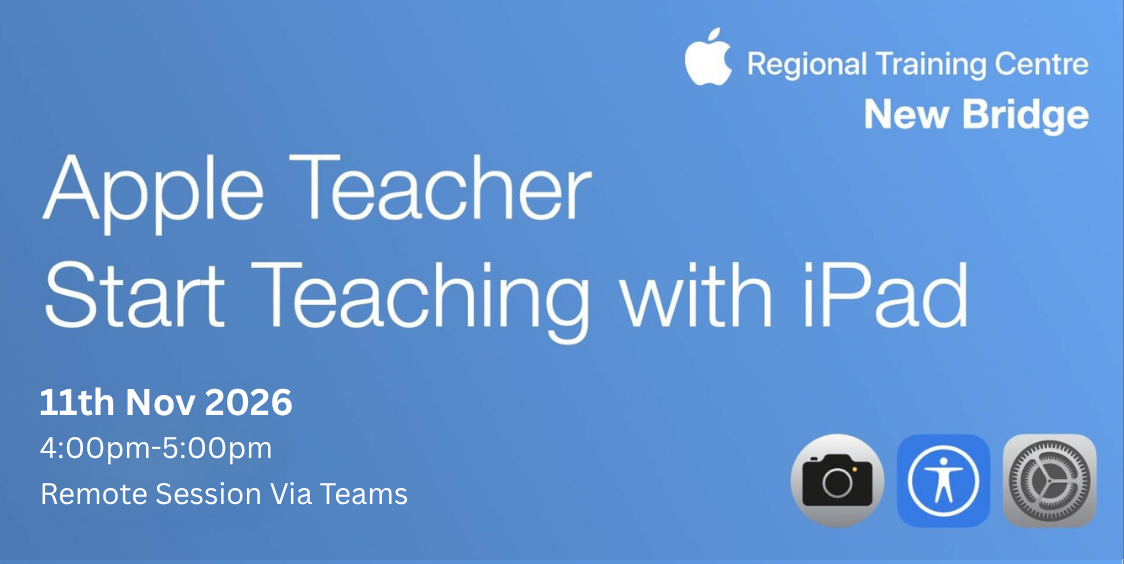
-
How to navigate the iPad
-
Screen Mirroring
-
Installing/Organising apps
-
Teacher modelling functions
-
Screen recording
-
Quick wins around annotations of digital work
-
Online Browsing, storing, saving resources
-
Creating QR Codes
-
Saving/Sending files via Teams and OneDrive
-
Sending and collecting digital resources in different ways
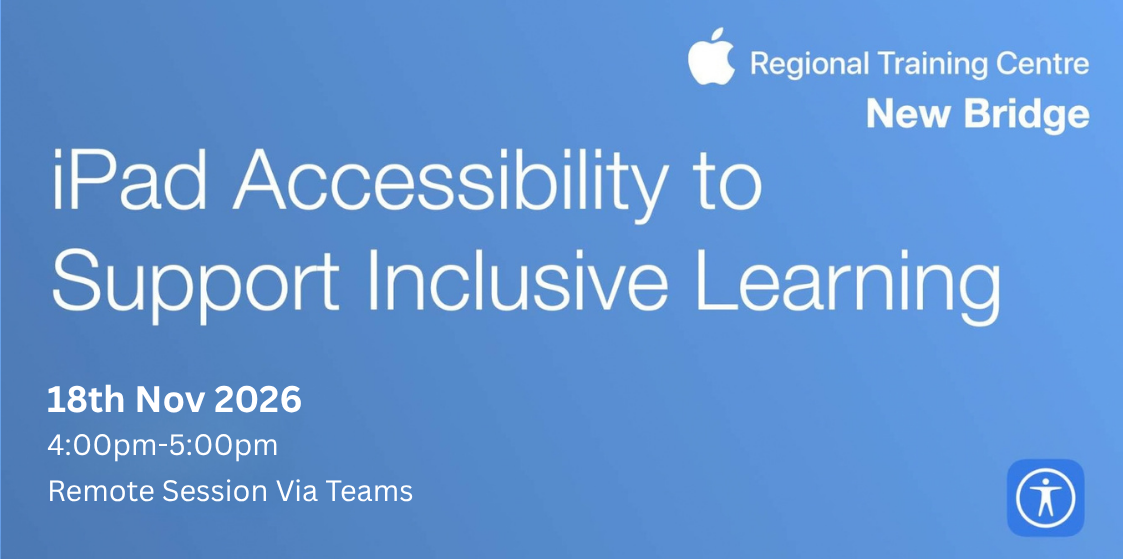
-
How to apply screen filters
-
Adjusting display, text and icon size
-
Using dictation - speech to text
-
Using speak selection - text to speech
-
Using voiceover
-
How to magnify content
-
How to enlarge screen with zoom function
-
How to use voice to control the iPad
-
Controlling iPad with switches
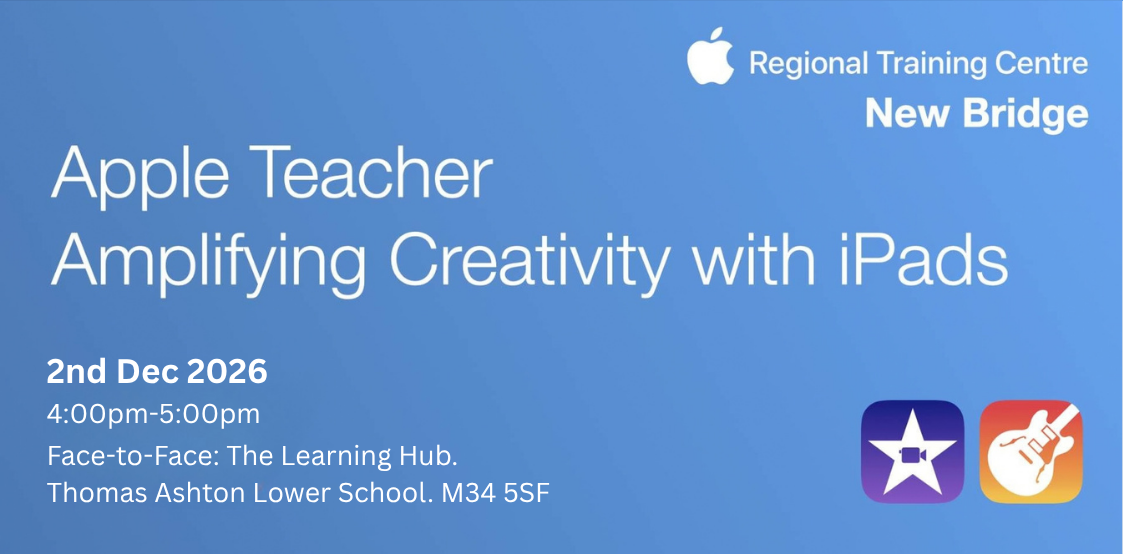
-
How to create quick movie slideshows from photos and videos on iPad
-
Introducing creative video projects to enhance any topic or theme
-
Cutting/splicing and editing video sequences
-
Adding music and voiceovers to videos
-
Use of special effects like green screens to a elevate learning
-
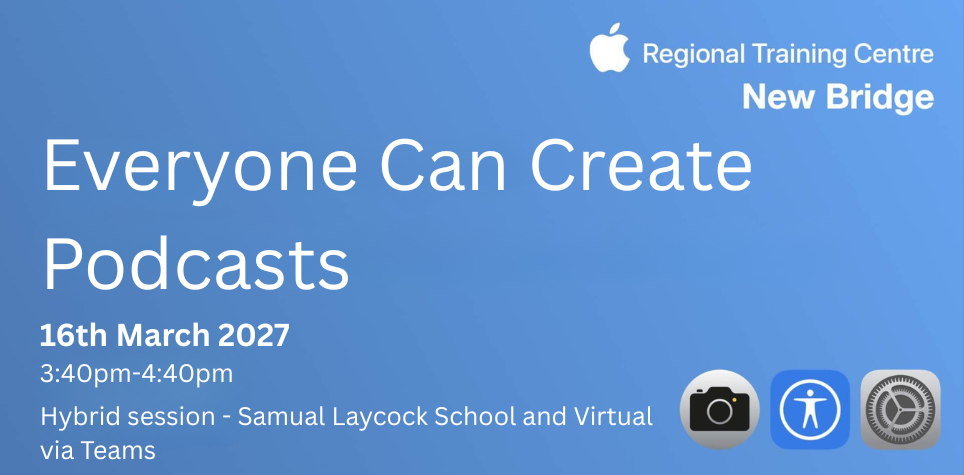
Creating a short podcast for a school project
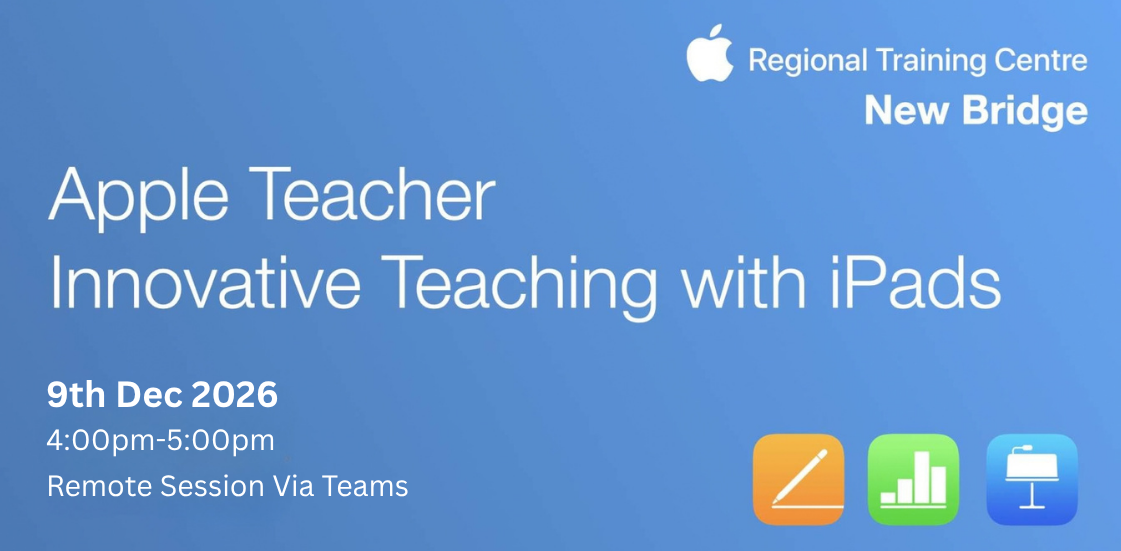
-
Combining the use of Pages, Keynote and Numbers apps for any subject or topic
-
Use range of tools to enhance explanation, understanding and recall
-
Use of Keynote and Pages templates to elevate teaching and learning
-
Use core apps to work in multi modal ways
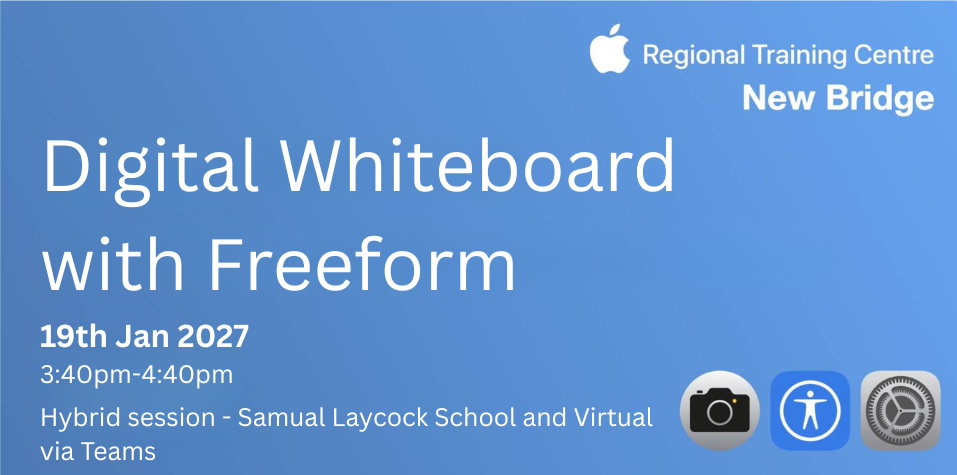
Further information to be added soon.
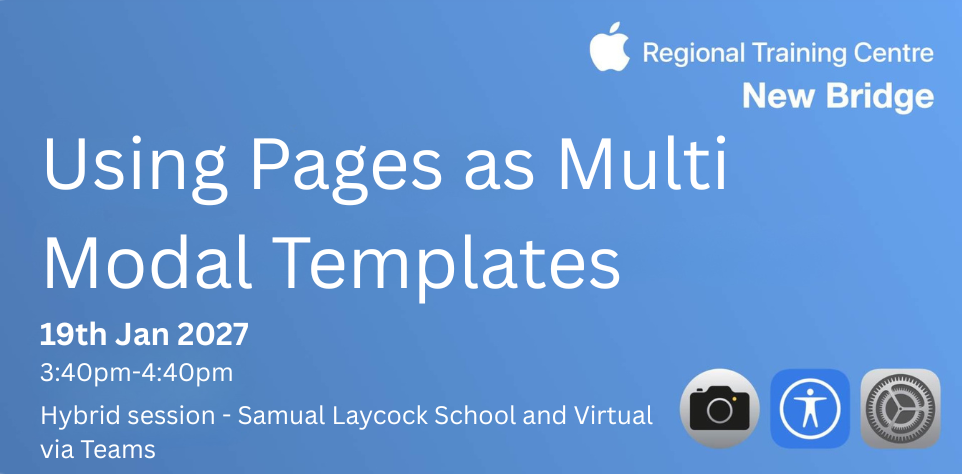
Further information to be added soon.
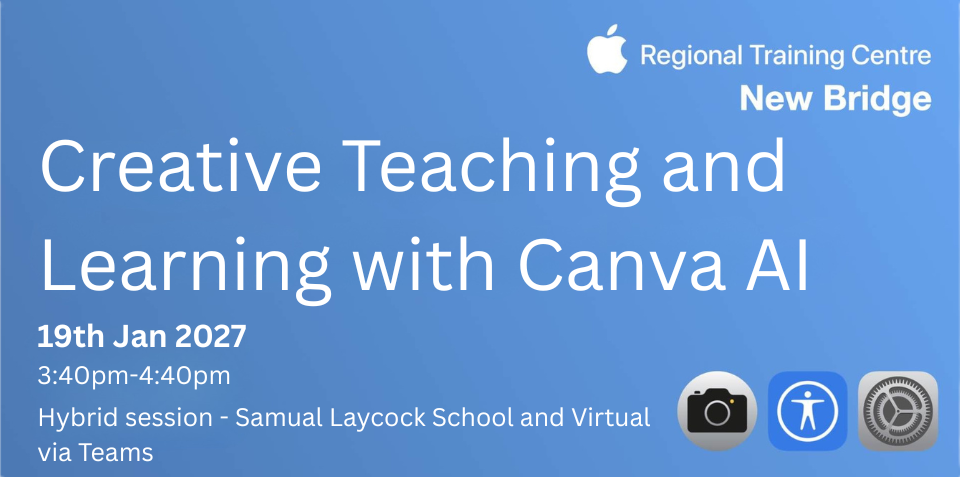
Further information to be added soon.
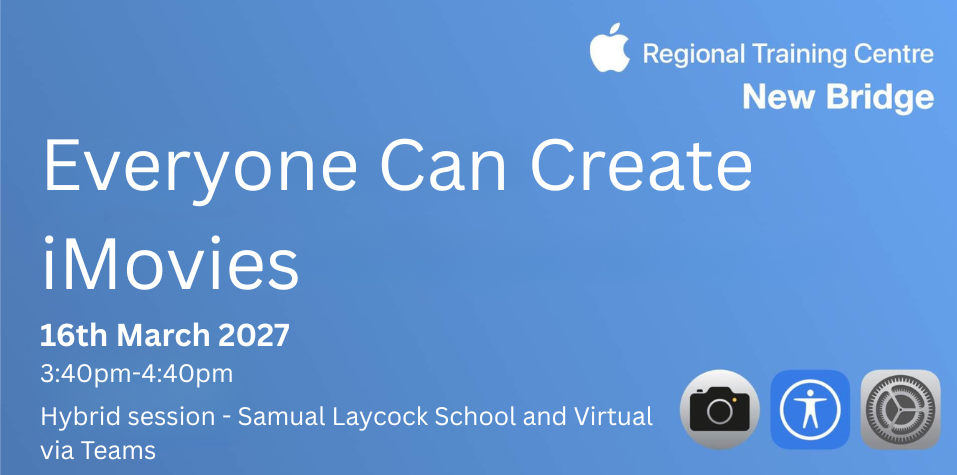
Further information to be added soon.
Further information to be added soon.
Book A Course
Find Out More
To find out more, click here to visit the Apple Teacher website.
New Bridge RTC YouTube Channel
You can also visit our New Bridge RTC YouTube channel here for all our digital development videos.
1:1 iPads across New Bridge MAT
Questions?
If you have any questions about the events, please email us at info@newbridgegroup.org with Apple RTC in the Subject Bar.
Meet Our Trainers

Richard Bright

Michelle Shortall

Adam Ward

Sarah Marlor
